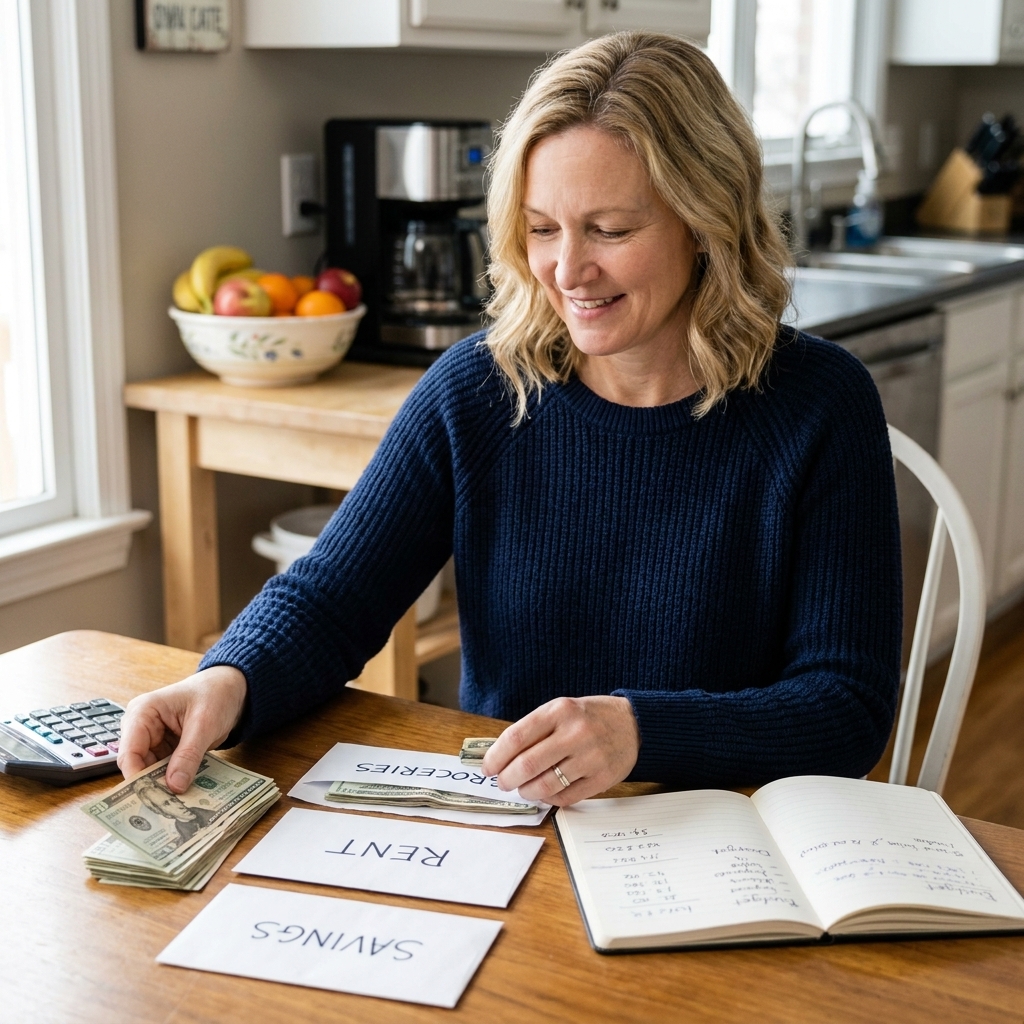
I used to swear I “barely had any subscriptions.” Then I did a real audit and found three different apps billing me like we were best friends. That is the sneaky thing about subscription life. A free trial becomes a charge, a one-time download becomes a monthly fee, and suddenly your budget is bleeding money in tiny, annoying paper cuts.
This is your 30-minute subscription audit, Frugal Folio style. No shame. No complicated spreadsheets. Just a quick sweep to find what is charging you, decide what is worth it, and cancel the rest.

What counts as a subscription
When people think subscriptions, they think Netflix. But the real budget-drainers are often the quiet ones.
- Streaming and music: video, music, live TV add-ons, premium channels
- Apps: photo editing, scanning, language learning, meditation, fitness, meal planning
- Software: cloud storage, antivirus, design tools, office suites
- Memberships: gym, warehouse clubs, free shipping programs, loyalty upgrades
- Gaming: online access, season passes, in-game subscriptions
- Kids and family: learning apps, monitoring apps, classroom add-ons
- Helper services: resume tools, background checks, coupon or deal clubs
- Annual charges: billed once a year but still part of your real spending
If it renews automatically, it belongs in the audit.
Your 30-minute plan
Here is the exact order I use because it catches the most subscriptions the fastest. Set a 30-minute timer and do what you can. If you only make it through half today, you are still winning.
Minute 0 to 2: Grab your tools
- Your phone and laptop (if you have one)
- Your bank app or online banking login
- Your primary email inbox (the one you use for sign-ups)
- A quick list for notes (paper, Notes app, whatever)
Make a simple three-column list: Name, Cost, Keep or Cancel.
Minute 2 to 10: Check Apple subscriptions
Most “oops” subscriptions live here because app trials are a tap away.
- Open Settings
- Tap your name (or Apple Account) at the top
- Tap Subscriptions (sometimes under Media & Purchases)
- Scan for anything you do not recognize or do not use
What to look for: multiple subscriptions for similar apps, old fitness or photo apps, kids apps from a random weekend, “premium” upgrades you forgot you started.
Cancel: tap the subscription, then Cancel Subscription. If it shows an end date, you are set. (I also like to confirm it later shows as expired or inactive.)
Minute 10 to 16: Check Google Play subscriptions
- Open the Google Play Store
- Tap your profile icon
- Tap Payments & subscriptions
- Tap Subscriptions
Cancel anything that is not a clear, enthusiastic yes, and you are not actually using week to week or month to month. Keep your true essentials. Cut the rest.
Minute 16 to 24: Hunt for charges in your bank and card transactions
Now we catch the subscriptions that do not run through Apple or Google.
- Open your bank or credit card app
- Filter to the last 60 to 90 days
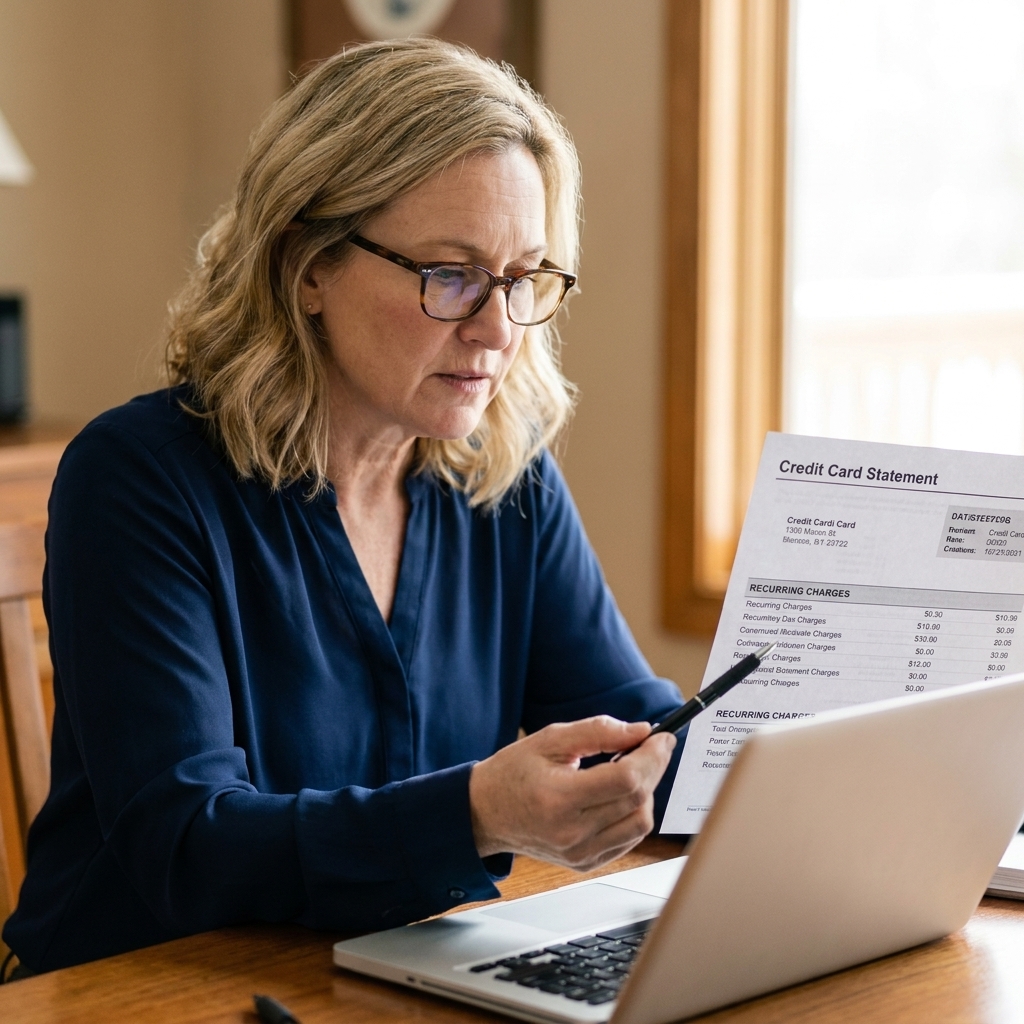
- Look for repeating charges with the same merchant name and similar amounts
Sneaky merchant names to watch: charges that show up as “PAYPAL” plus a company name, “APPLE.COM/BILL” (then check Apple subscriptions), or abbreviated names you do not recognize.
If your bank has a recurring payments or subscriptions tab, use it. Some banks label repeating merchants automatically and it saves a ton of time.
Quick ID trick: if you cannot tell what a charge is, search your email for the merchant name and also try keywords like receipt, trial, welcome, subscription, or invoice. Nine times out of ten, the answer is sitting in your inbox.
How to cancel without the runaround
Some companies make canceling beautifully easy. Others act like you are trying to break up with them in public. Here is what works.
1) Cancel where you subscribed
- If you subscribed in an app on iPhone or Android, cancel through Apple Subscriptions or Google Play.
- If you subscribed on a website, cancel in that account’s billing or membership settings.
- If you used PayPal, check PayPal automatic payments and stop the billing agreement.
2) Use the password reset trick
If you cannot remember your login, do not waste time digging through old notes. Go to the site and use Forgot password. Check your email for the reset link. Then cancel.
3) Cancel first, then downgrade
Many services will try to tempt you with cheaper plans. Great, but I like canceling first so you can think clearly. One exception: if the service warns you that cancellation changes access immediately or removes features you still need, downgrade first, then cancel later if you truly do not miss it.
4) Save the confirmation
I always keep proof. A quick screenshot of the cancellation confirmation or an email receipt can save you a headache later.
5) If you get billed again, act fast
If you canceled and still got charged, contact support with the cancellation date and confirmation. If that fails, dispute with your credit card issuer. You do not need to be dramatic. Just be clear and persistent.
The keep or cancel test
I am not anti-subscription. I am anti-forgetting-what-you-pay-for.
Use this quick test on each line item:
- Did I use it in the last 30 days? If no, cancel.
- Would I buy it again today at this price? If no, cancel.
- Does it replace something else I could use for free? If yes, cancel or downgrade.
- Is it an essential that prevents more expensive spending? If yes, keep (example: a gym membership you actually use).
My personal rule: I only keep subscriptions that I can name from memory without checking my bank statement. If it is so forgettable that I forgot it existed, it is probably not improving my life.
Shared plans and duplicates
Before you cancel something your household actually uses, do a quick duplicate check.
- Family plans: If you use Apple Family Sharing or a Google family group, confirm who is paying and whether you accidentally have two of the same service running.
- Streaming overlaps: If you have a bundle through your phone or internet provider, you might be paying twice.
- Two clouds, zero joy: Lots of us end up with overlapping storage plans after switching phones or laptops.
Goal: one subscription per purpose, not three subscriptions that all kind of do the same thing.
Hidden fees that look like subscriptions
While you are in detective mode, scan for these common “subscription-ish” charges:
- Cloud storage overages (especially after upgrading phones)
- Bank account monthly maintenance fees (often waived with direct deposit or minimum balances)
- Credit card add-on products like payment protection or credit monitoring you did not intend to enroll in
- Free trial renewals that started with a one-time need (PDF tools, background checks, resume builders)
- Delivery app memberships that only pay off if you order frequently
- Domain names and website tools if you ever started a side project
If you find a fee that is not a true subscription but is recurring, treat it the same way. Decide if it earns a permanent spot in your budget.
Turn cancellations into cash flow
Canceling feels good, but the real magic is what you do next. Otherwise that money disappears into random spending and you never feel the benefit.
Step 1: Add up your monthly savings
Total the subscriptions you canceled and write the number somewhere visible. Even $27 a month is $324 a year.
Step 2: Give that money a job today
- Debt payoff: add it to your smallest balance and build momentum
- Emergency fund: set an automatic transfer for the amount you freed up
- Sinking fund: car repairs, gifts, back-to-school, holidays
When I was paying off debt, I treated subscription savings like found money and immediately re-routed it to my debt snowball. It made my progress feel real fast.
Step 3: Set two reminders
Create a recurring reminder called Subscription audit every 3 months.
Also, whenever you start a free trial, set a one-time reminder for 1 to 2 days before it ends. That tiny step saves real money.

Make it harder to re-subscribe
If you are trying to plug leaks long-term, these small friction steps help.
- Remove stored cards from app stores or at least require a password for purchases.
- Use one card for subscriptions only, so recurring charges are easy to spot.
- Turn off auto-renew immediately after starting a free trial (you can still use the trial period).
- Unsubscribe from marketing emails after canceling, so you are not tempted back in.
After you cancel
A quick wrap-up makes sure the leak is actually plugged.
- Confirm the status: make sure it shows canceled, inactive, or an end date.
- Check next statement cycle: put a note on your calendar to scan for that merchant one more time.
- Consider deleting the app: optional, but it removes temptation and stops random “come back” notifications.
One small note: cancellation rules and refund rights vary by service and country, so always read the final confirmation screen before you close it.
Quick FAQs
Will I lose access immediately if I cancel?
Usually no. Most subscriptions let you keep access until the end of the current billing period. The cancellation stops the next renewal. Always check the end date shown on the confirmation screen.
What if I cannot find the cancel button?
Search the account area for Billing, Membership, or Plan. If it is truly hidden, contact support and request cancellation in writing. Save the email thread.
Can I get a refund for a subscription I forgot about?
Sometimes. If the charge is recent and you have not used the service, it is worth asking politely. For app store subscriptions, you can request a refund through the store’s purchase history process. Results vary based on eligibility and policy, but asking takes five minutes.
How many subscriptions is too many?
There is no magic number. The right number is whatever fits comfortably in your budget and you actively use. If your subscriptions make you feel squeezed or surprised, that is your sign to trim.
A tiny pep talk
If you find $8.99 here and $14.99 there, please do not beat yourself up. Subscription creep happens to smart people all the time. The win is that you noticed, you cleaned it up, and you just gave yourself a raise without picking up extra hours.
Set your timer, do the sweep, and enjoy that lighter monthly bill. Your budget is about to feel a whole lot more breathable.